The brief
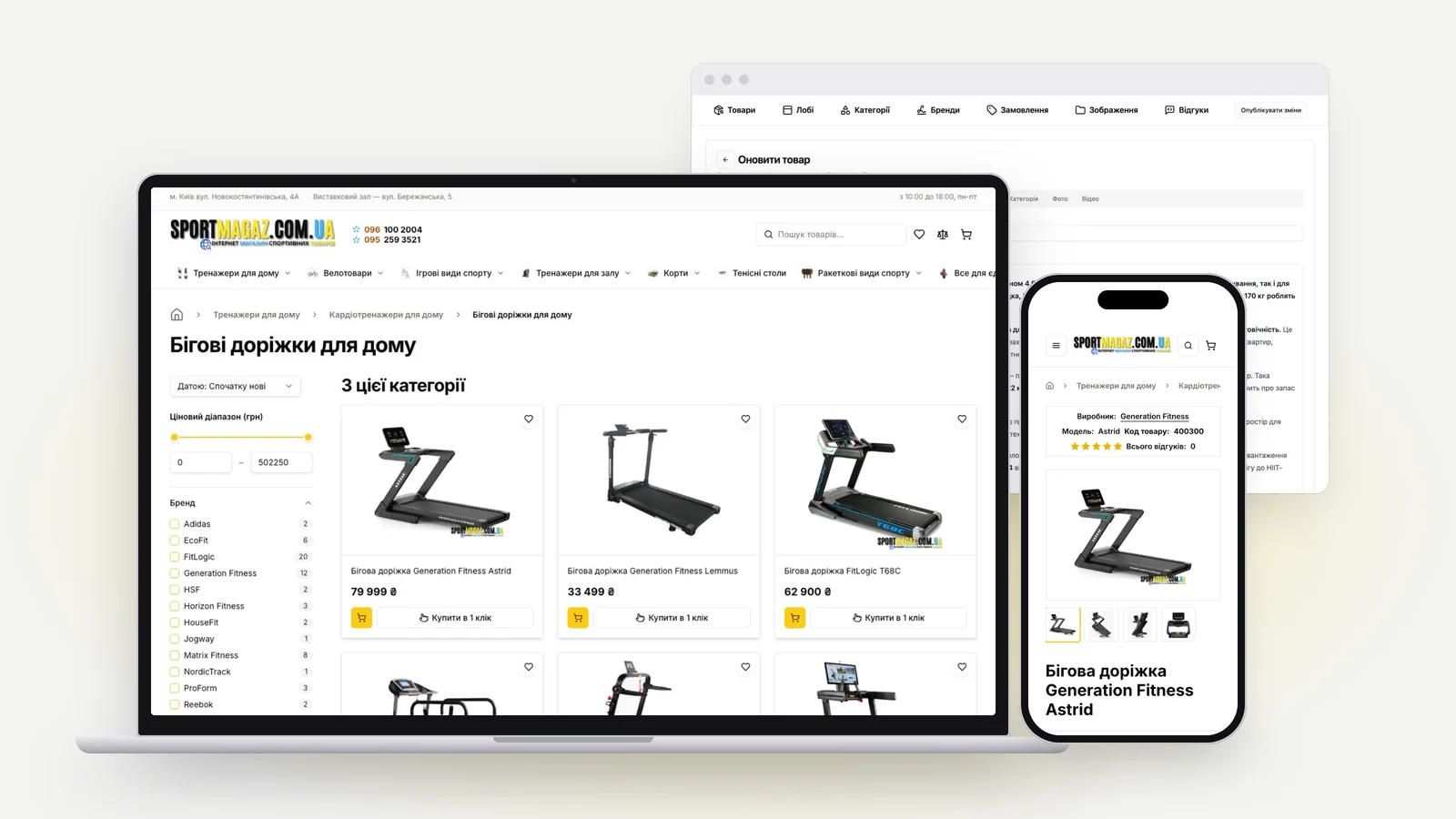
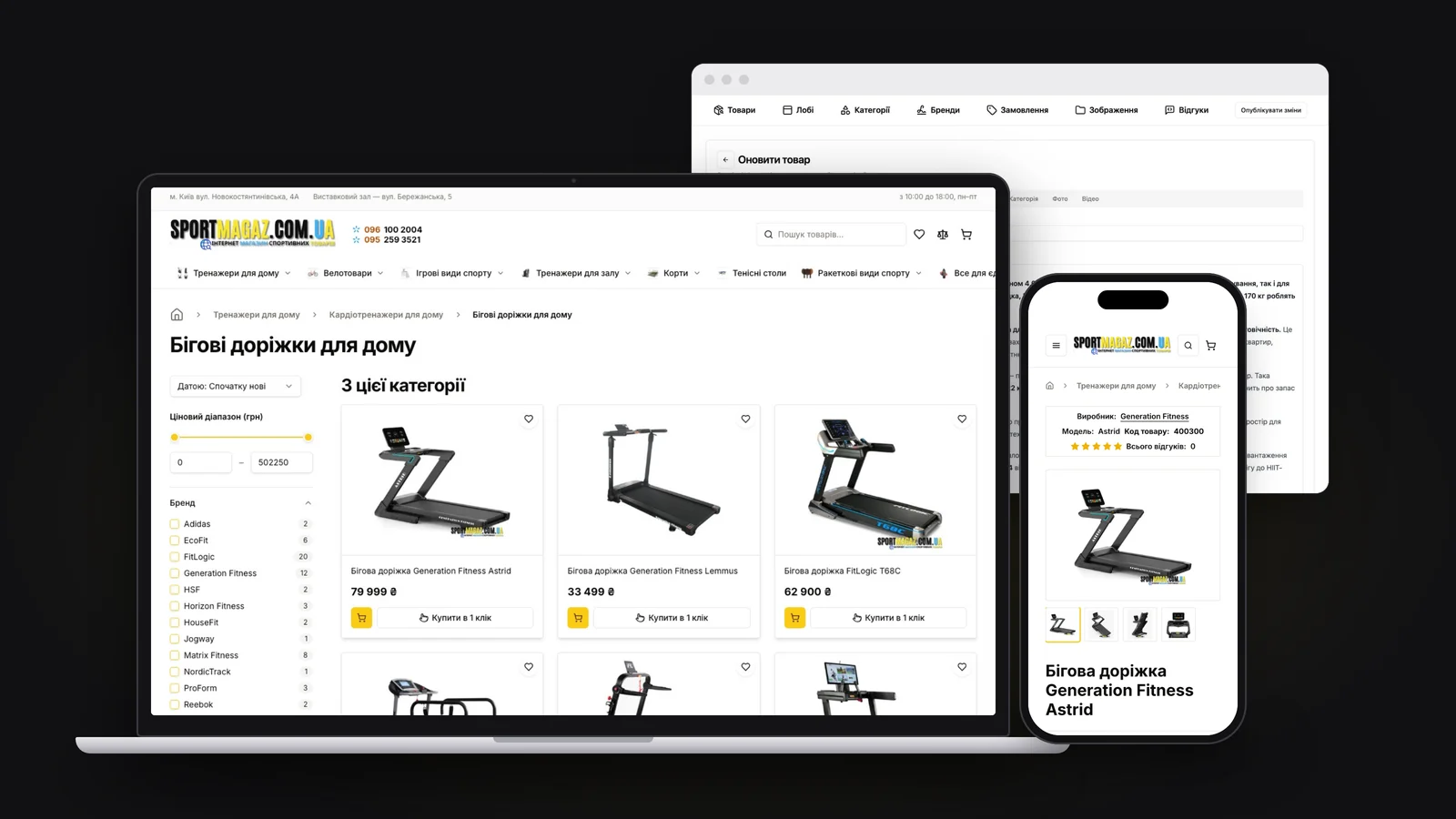
SportMagaz sells treadmills, exercise bikes, gym machines, padel rackets and tennis tables
across Ukraine - big-ticket things people research for days before they buy. The store needed:
- a catalog you can actually narrow down, by brand, price and the specs that matter in each
category;
- delivery the way Ukraine ships: a Nova Poshta branch picked from a list, not typed from memory;
- an admin the owners run themselves - products, photos, prices, sales, the homepage - without
calling a developer;
- pages that feel instant when you move around the catalog.
I built all of it alone: the storefront, the admin panel, the database, the integrations and the
deploys. First on Next.js in 2024, then rebuilt as a static Astro store on Cloudflare in 2026.
What was achieved
Its own admin panel, shaped around the store
Off-the-shelf CMSs think in posts and pages. A store thinks in products with specs, photo sets,
sale prices that expire, and a homepage somebody curates. So the admin is its own Next.js app,
sharing the database package with the storefront in one Turborepo monorepo.
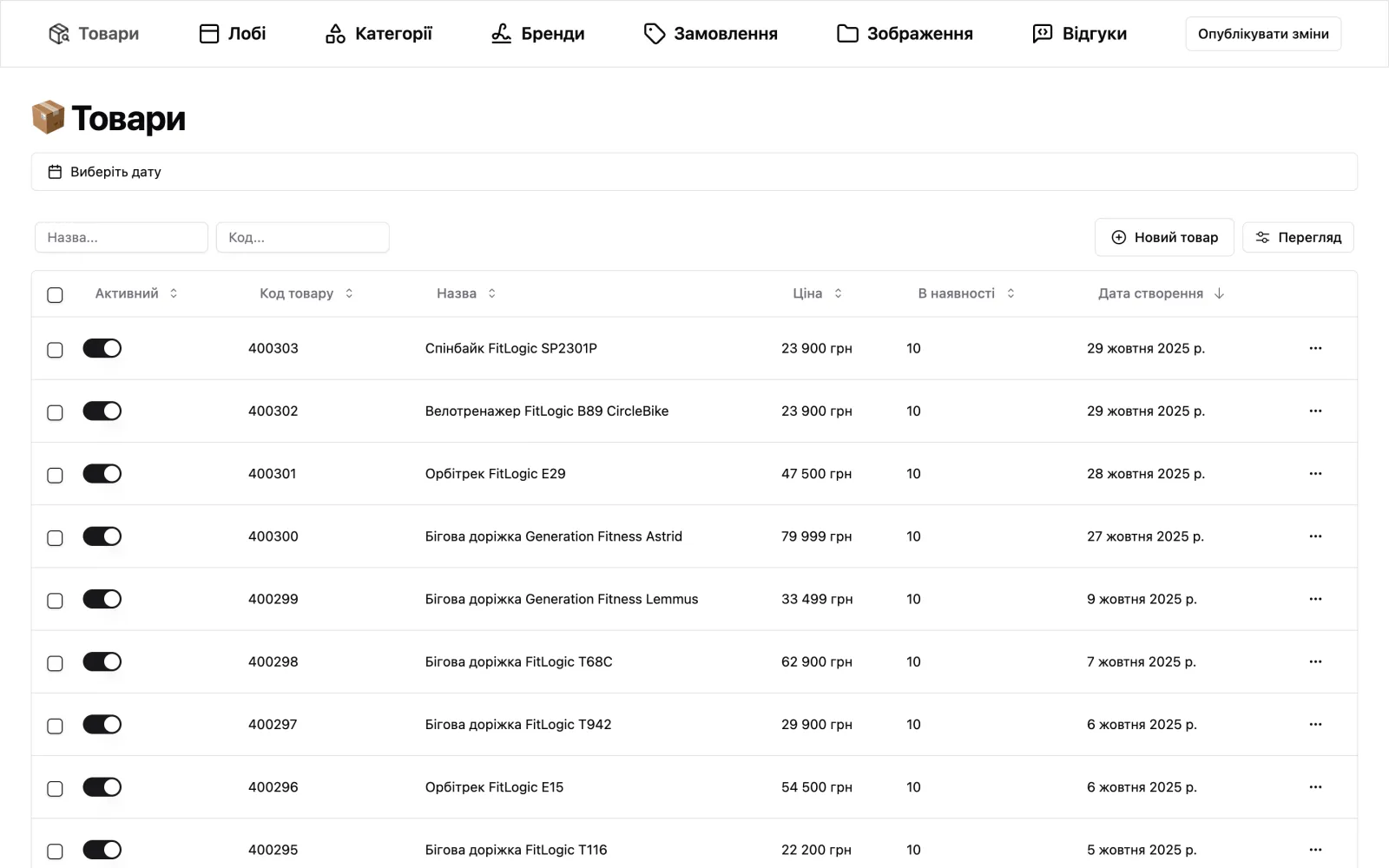
- Two roles - admin and product editor - checked on every server action.
- Products: rich descriptions in a Tiptap editor, specs, price with a sale price and an end
date, stock, YouTube videos, copy a product, switch it off without deleting it.
- Catalog structure: nested categories and brands.
- Homepage "lobby": the best seller, featured products and videos, arranged by the owners.
- Photos live in per-product S3 folders, uploaded straight from the browser with presigned
URLs and cropped in place.
- Orders and reviews, with order statuses.
- Publish changes rebuilds the storefront, so edits go live without a developer.


Filters that tell you what you'll get
Every product carries its specs as typed attributes - a choice, a yes/no or a number range - in
one generic table, so a new category needs data, not a schema change. Each category builds its
filter panel from that data: ranges get their min and max, choices get their values, and every
option shows how many products you'd see if you ticked it, so nobody filters their way into an
empty page.
In the 2026 rebuild the whole category is already in the HTML, and filtering happens in memory by
hiding the cards that don't match - no network request, no re-render, no images loaded twice.
The page still works with JavaScript off, and the filter URLs are the same as before, so old
links and indexed pages keep working.
Navigation that feels like an app
The store uses Astro's client router with view transitions. When you click a product card, the
page doesn't blink and reload - the photo you clicked grows into the product page's main photo,
and the header stays where it is.
Recorded on the live site and slowed down 2.5× so the morph is easy to follow.
The detail that makes it work: the name that ties the two photos together is set only on the card
you clicked, right before navigating. A category page can hold hundreds of cards, and naming them
all would make the browser snapshot every one of them on every click. With reduced motion turned
on, the animation is skipped.
Orders, the Ukrainian way
Checkout looks up cities and Nova Poshta branches as you type. Every order sends a confirmation
email to the customer, a copy to the store, and a Telegram message straight to the owners'
phones. There's a one-click order for people who'd rather get a call back, and a "found it
cheaper?" form.
In the 2026 rebuild checkout runs in a small Cloudflare Worker written with Effect, and it
recalculates every price on the server - the total the browser sends is never trusted.
Rebuilt static, without losing search traffic
In 2026 I moved the storefront from Next.js to static Astro on Cloudflare. Every product and
category page is pre-rendered; React only loads for the parts you touch, like the gallery, the
cart and the filters. Publish in the admin rebuilds the store, and a scheduled job every ten
minutes rebuilds it when a sale ends, so an expired price never lingers.
A storefront that quietly changes its titles or canonicals during a move pays for it in search
traffic, and no functional test would catch it. So before the switch, a script compared the new
build's head metadata - titles, descriptions, canonicals, structured data - against the live
site, one page of every template. Product, breadcrumb and store JSON-LD, the sitemap and the
Google Merchant feed all carried over.