The brief
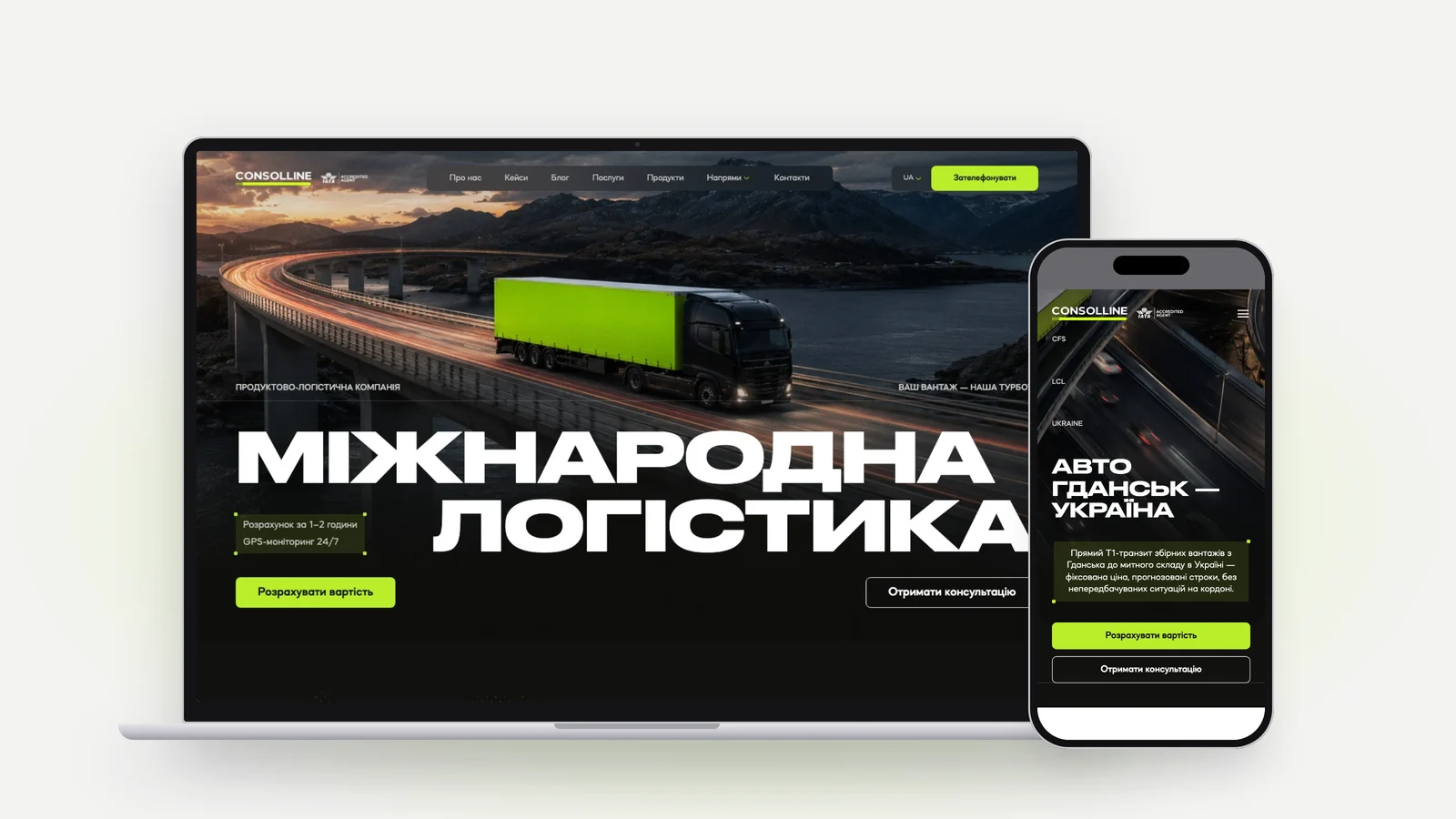
Consolline is an IATA-accredited logistics company: air freight, road haulage, groupage sea
freight and customs, out of Ukraine. Their new site came as a detailed Figma design - dark,
motion-heavy, with a dotted globe, halftone maps, pinned scroll sections and huge display type -
and it had to work in Ukrainian, English, Polish and Russian.
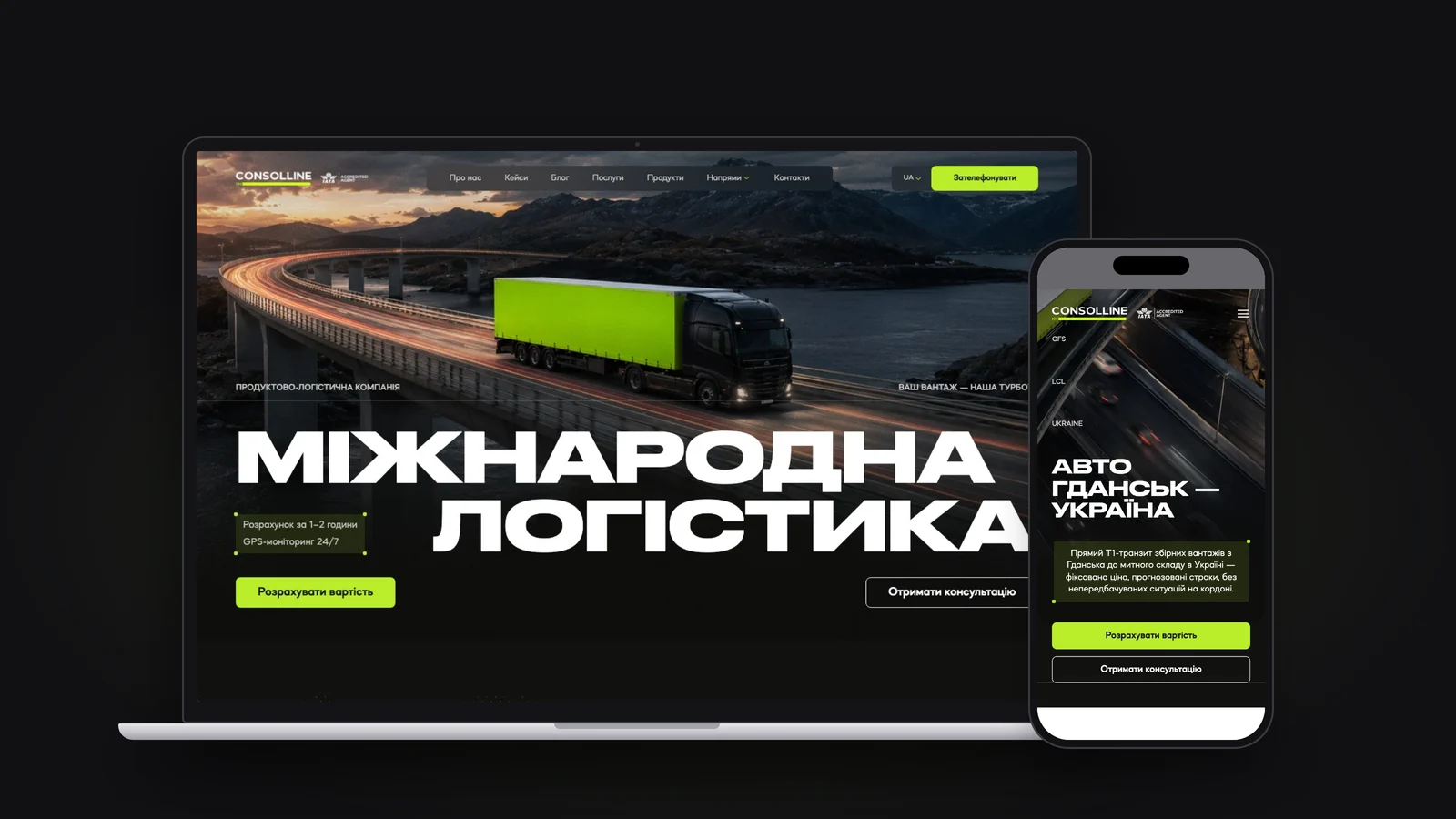
I built the site on my own in Astro, from the Figma frames to 140 static pages:
- every section matched to the design, from a wide desktop down to a 320px phone;
- all of the motion, without pulling in an animation library;
- four languages, with no layout jumps when the text length changes;
- a plain static build that runs on any web server.
What it's built on
AstroReact islandsTypeScriptWebGL2 shadersBase UIEmbla CarouselNumber FlowfontkitView TransitionsHeadless Chrome checks
What was achieved
A globe you can spin
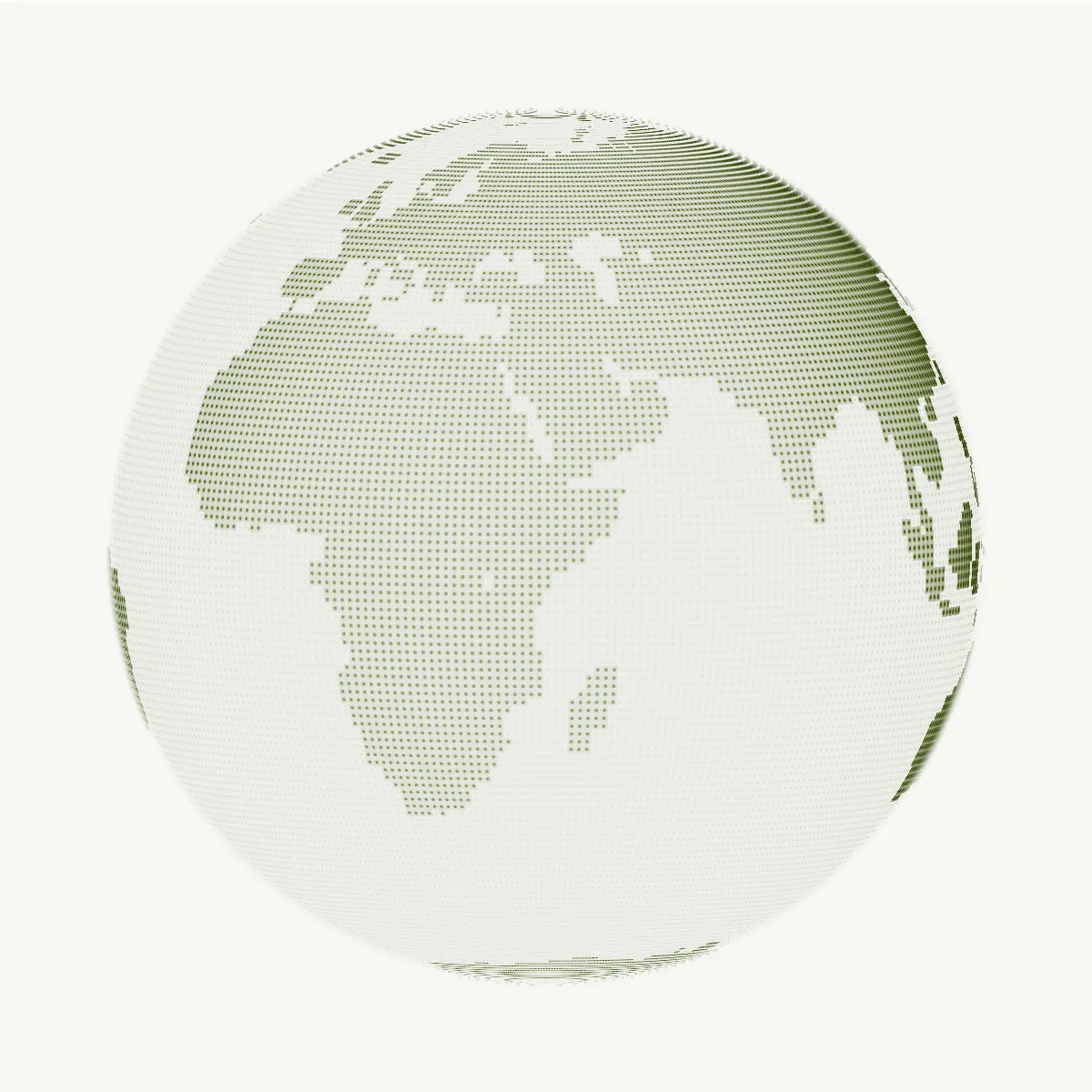
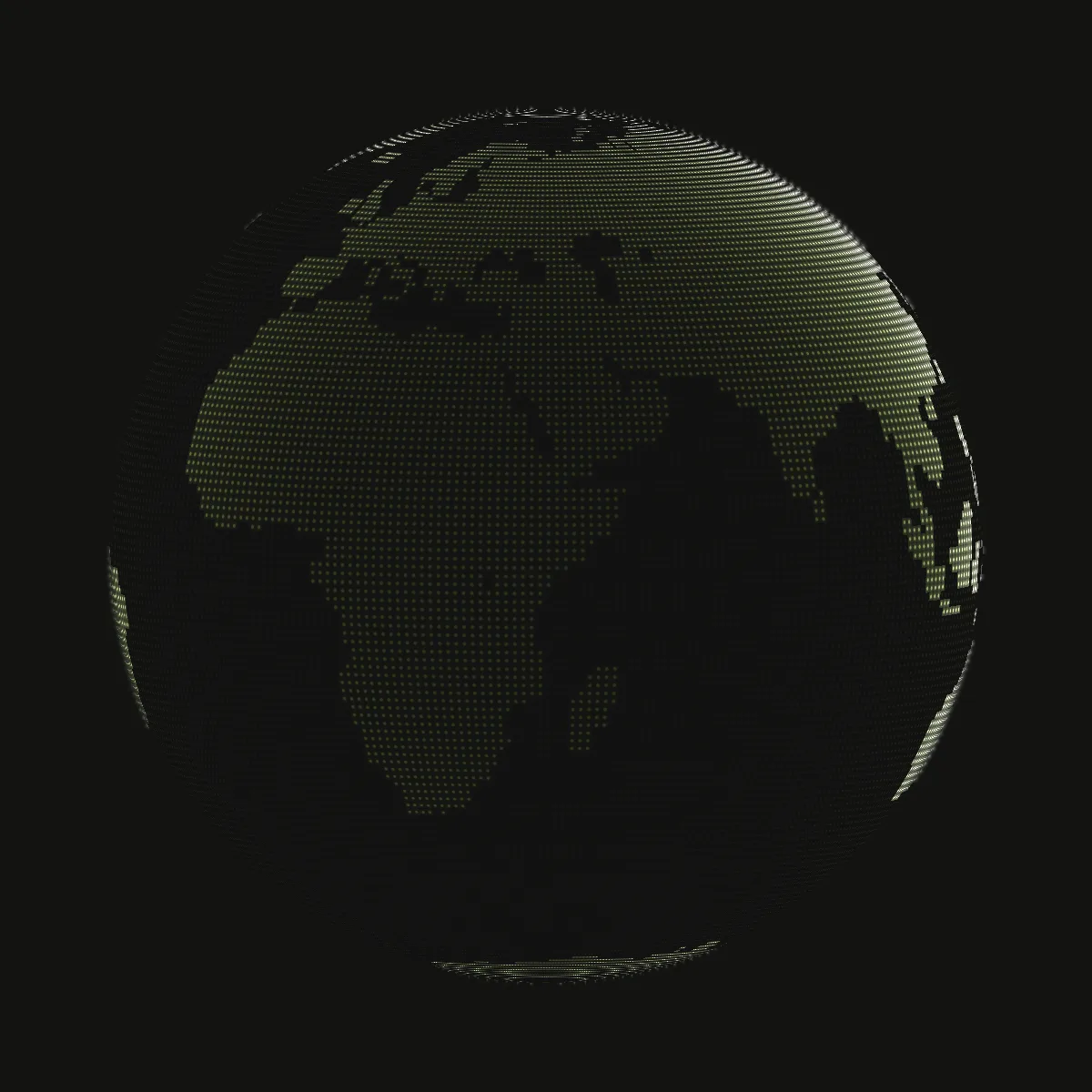
The globe below is the real thing, running on this page: drag it sideways, or scroll and watch it
pick up speed.
Live · the WebGL globe
The same shader and driver as consolline.com, running here. Drag it sideways to spin it; scrolling the page gives it a push.
It is a single WebGL2 shader with a WebGL1 fallback. It started from the open-source cobe
globe and was retuned to the Figma node: land drawn as dots on a latitude and longitude grid,
brighter toward the rim, with the glow only on land. It drifts on its own at about one turn a
minute. Scrolling gives it a push that fades out, dragging spins it and hands your speed over when
you let go, and off-screen it stops drawing.
Halftone that reacts to the pointer
Live · the halftone dot field
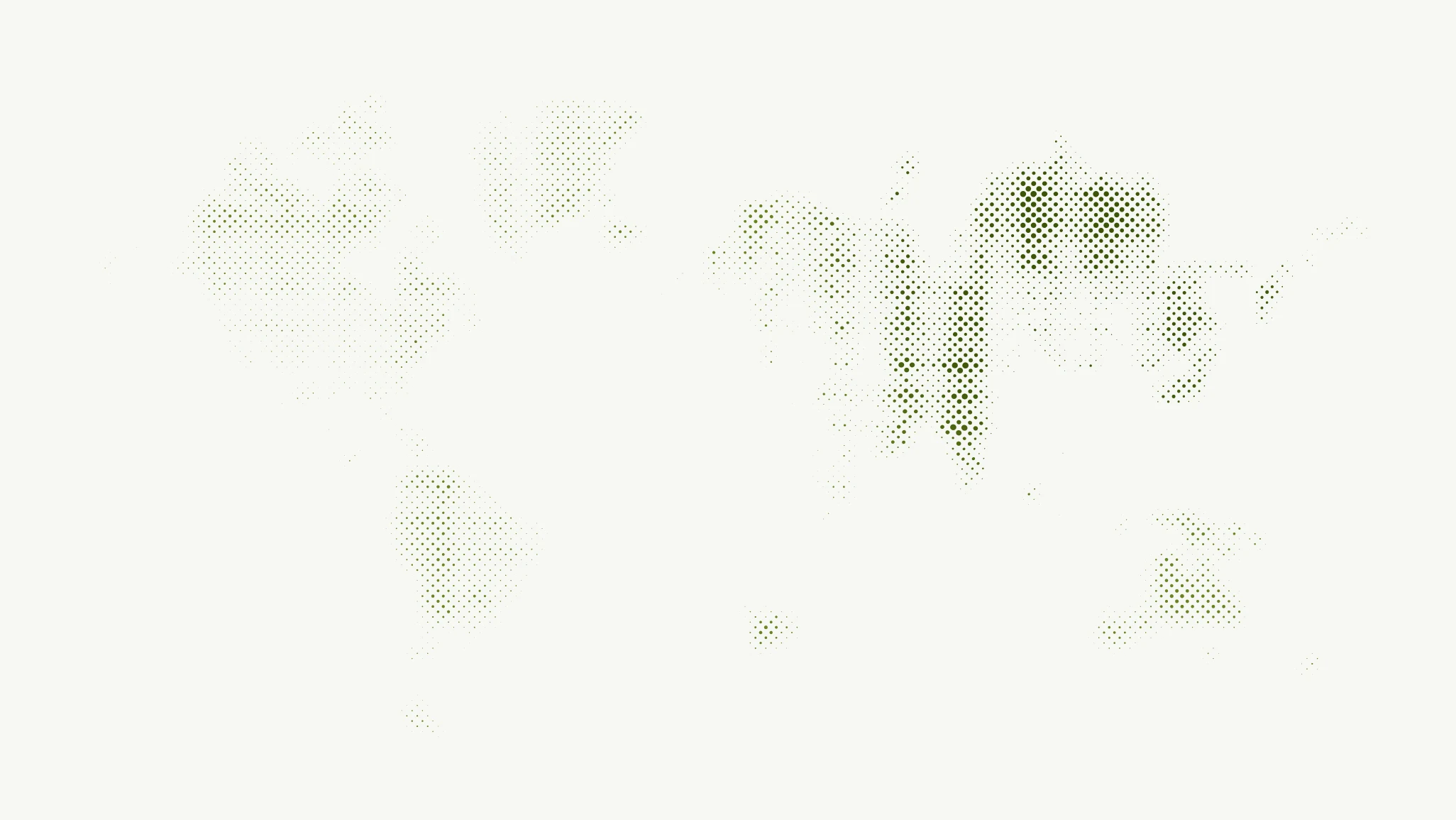
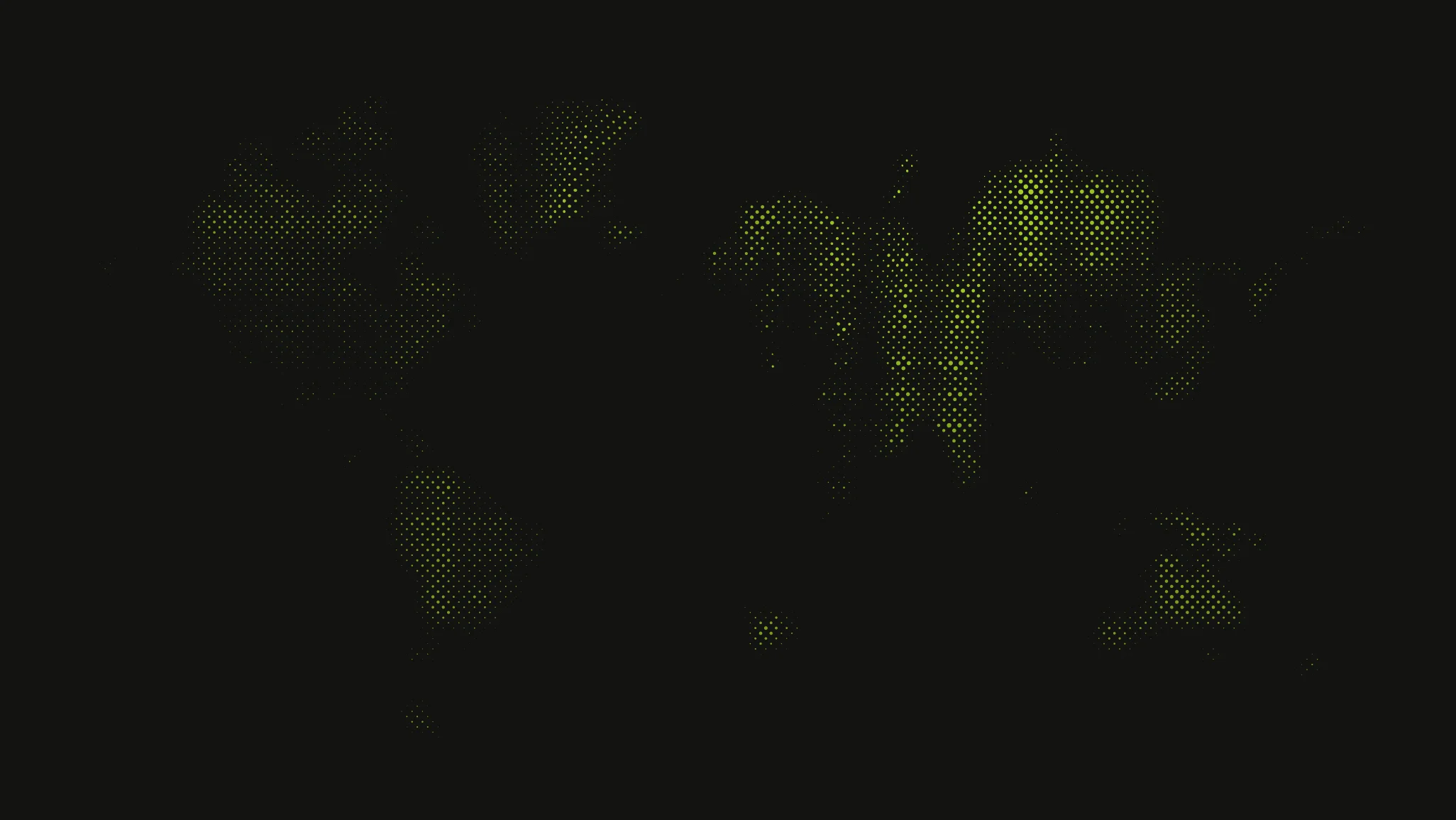
consolline.com's world map, redrawn dot by dot. Move your pointer or finger across it, or click for a ripple; left alone, it wanders on its own.
Behind the shipping calculator, the testimonials and the footer wordmark sits a halftone dot
field - another WebGL2 shader. It redraws the image dot by dot, reading each dot's size from the
image's own mipmaps, and the pointer leaves a trail that pushes the dots aside, with up to eight
ripples at once.
Scroll storytelling without an animation library
- Pinned sections are
position: sticky over a spacer sized in JavaScript. Scroll progress lives
in CSS variables, so the browser does the drawing: a card rail slides sideways, a lens dial
follows the process steps, and a timeline swaps its photo at each step.
- The case-study rail auto-advances on a CSS animation and moves on
animationend, so hovering
pauses it with no JavaScript involved.
- Counters roll up with Number Flow and still show the final number if JavaScript never loads.
- Page changes use Astro's view transitions, and most interactive parts hydrate only when they
scroll into view or the browser is idle.
Four languages, zero layout shift
The design fits each display headline to the full width, and Ukrainian, English, Polish and
Russian headlines are very different lengths. Measuring the text in the browser meant headlines
jumped after the first paint. So the build measures every translated headline in the real display
font with fontkit and writes the size straight into the HTML - "МІЖНАРОДНА" comes out at
1238.72px against 1239px in Figma. Lighthouse reports a layout shift of 0 on every run.
Switching language keeps your place, too: scroll position, open tabs, carousel positions and
half-filled form fields carry over to the other language's page before it swaps in.
By the numbers
4languages
140static pages in the build
~1,950translation keys in Ukrainian
85components
Checked against the design, not eyeballed
- I checked pages against the Figma frames with pixel diffs in headless Chrome, section by
section, so drift showed up as numbers instead of opinions.
- A sweep over all 14 routes at 320, 375 and 430px looked for anything overflowing or overlapping:
0 issues across 42 runs.
- Every line of the client's copy brief was checked against the rendered page: 151 of 151.
- An audit of in-page links took dead links from 15 to 0.